Built for workplace design & fitout teams

Win More Commercial Fitout Projects
with 3D & AR

Share 3D designs with clients from a link. Get feedback on floorplans. Let them see finishes at real-world scale in their actual space — no app required.

No app to install · Works on iPhone and Android

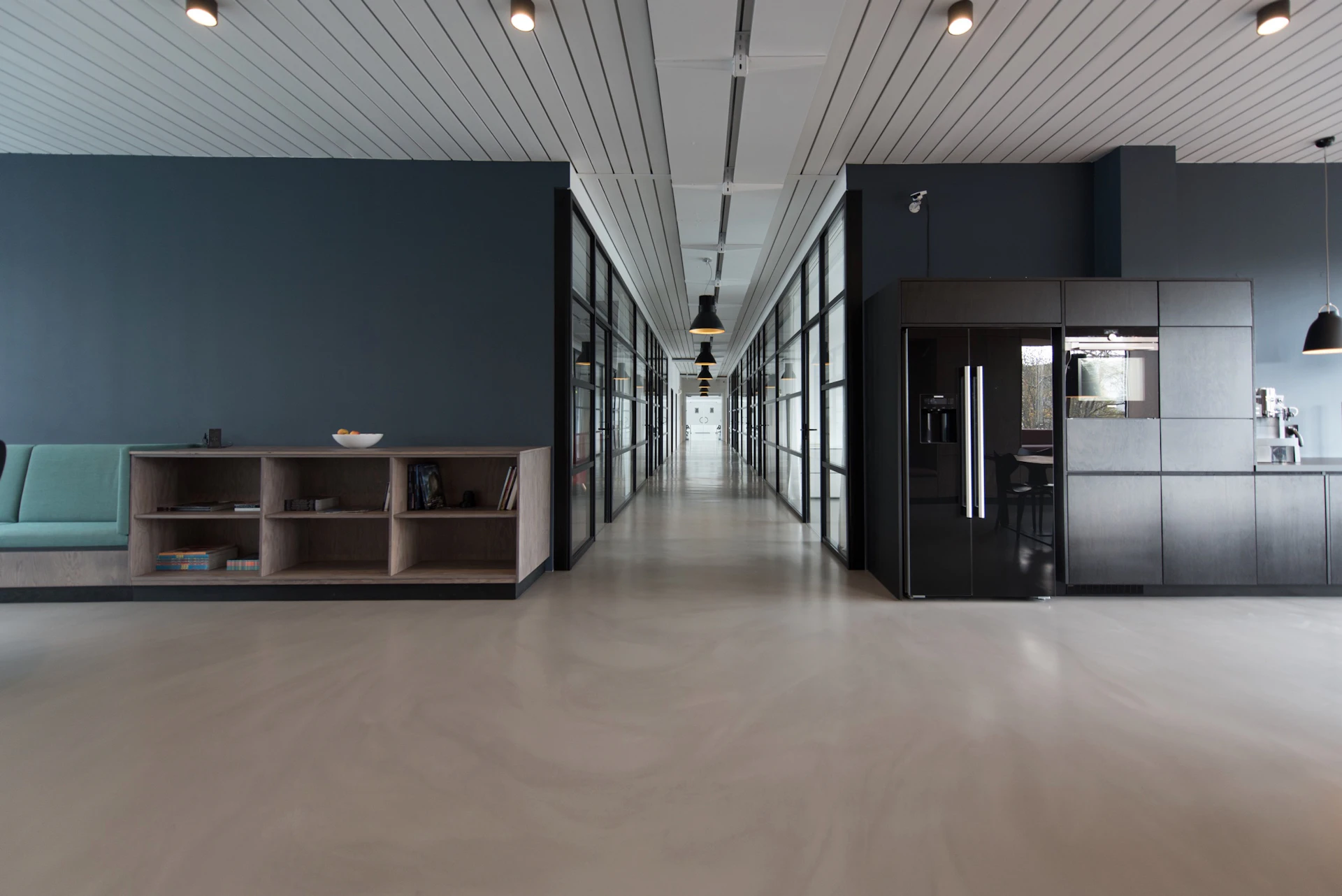
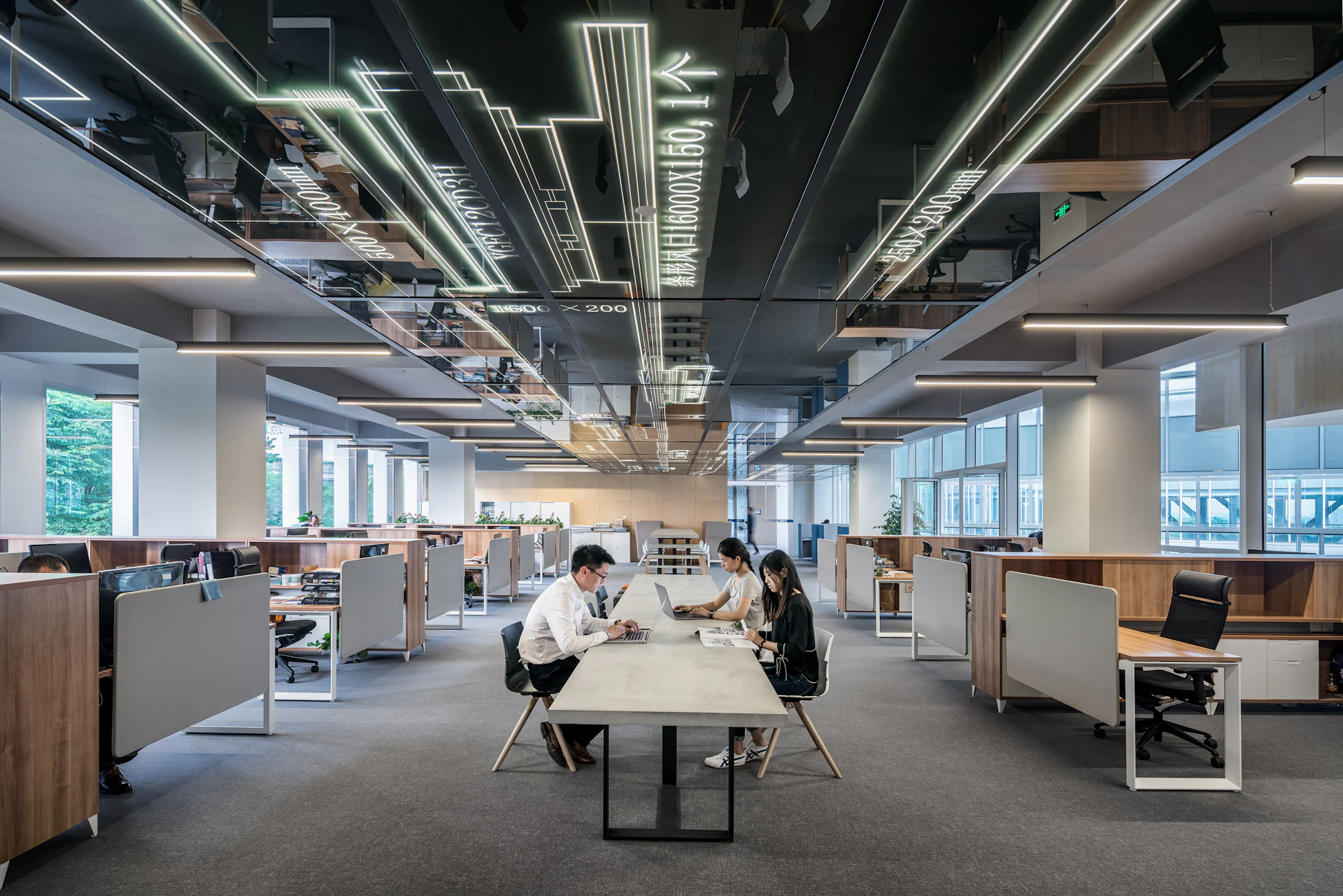
Open plan commercial office space
Your clients are signing off on designs they can't truly see
You've spent weeks refining the concept — but your client is still squinting at renders.
🖼️

Flat renders don't land

CGIs can't convey scale or material quality. Clients nod along, then second-guess everything at site inspection.

🔄

Revision rounds blow out

"Can we try a darker fabric?" Every material change means a new render cycle, more designer time, and another week before sign-off.

👥

Stakeholder alignment stalls

The CEO likes it, the COO isn't sure, the office manager hasn't seen it. Aligning decision-makers from a PDF deck takes multiple meetings.

What if clients could walk into the proposed space on their phone — right now, from anywhere?
Everything you need to create your Showcase
Turn the 3D models your team already creates into a Placewize Showcase — a branded, interactive experience clients can explore on any device.
🖥️

Share Your Showcase from a Link

Send clients a branded Showcase link to explore your designs in 3D and AR. No app to download, no plugins, no IT involvement.

📐

Floorplan Markup & Collaboration

Mark up 2D floorplans with clients and contractors. Coordinate design decisions and collect feedback in real-time.

📏

See Designs at Real-World Scale

Clients view furniture, finishes, and spatial relationships at actual size on their phone — right in the space.

🔄

Compare Multiple Design Options

Show clients 2-3 design variations side-by-side. Switch between material options. Let them choose with confidence.

Your clients don't need anything

No app. No download. No login. Just a link.

Your clients tap a link and instantly explore your designs in 3D — or place them at real-world scale in their space using AR. It works on every iPhone, Android, laptop, and tablet. Nothing to install, ever.

Placewize helped us win our biggest project to date. The client said they’d never seen such a clear presentation of a design concept.
Beta Tester · Design Director, Commercial Fitout Firm
How design teams use Placewize
From pitching new clients to final sign-off, give your work a dimension that flat renders can’t match.
Pitching & Winning Work

Fitout firm wins 40% more project pitches

Commercial fitout company shares interactive 3D presentations to stand out from competitors and win more bids.

  • Share proposed designs clients can explore themselves
  • Competitors bring PDFs — you bring the future office
Coordination

Architect reduces coordination RFIs by 50%

Firm uses floorplan markup to collect feedback from contractors and eliminate miscommunication.

  • Mark up plans with contractors and stakeholders
  • Resolve conflicts before they reach the site
Designer working with 3D modelling software
Your team already has 3D models. You're 80% done.
If you use Revit, SketchUp, Rhino, or any 3D design tool — you can export to Placewize today.

Export Your Designs

Export your 3D model as .glb — supported by Revit, SketchUp, Rhino, Blender, 3ds Max, and ArchiCAD. Or use our free converter for BLEND, FBX, OBJ, STL, IFC, and 20+ other formats.

Build Your Showcase

Upload, name your material variants, and apply your firm's branding to create your Showcase.

Publish

One click to publish. You get a clean, branded Showcase URL like placewize.com/your-company/view/your-client

Share Your Showcase

Send the link. Clients open it instantly in their browser — no app to download, no login, no friction. They browse finishes in 3D, then tap to place in their space at real-world scale.

Multiple ways to get your models into Placewize
Export directly from the software you already use, or convert any 3D file with our free online tool.
Revit

Revit Plugin

Available now

Export views and sheets directly from Autodesk Revit to Placewize. Publish 3D models, floorplans, and material variants without leaving your BIM workflow.

3ds Max

3ds Max Plugin

Available now

Export scenes from 3ds Max straight to Placewize. Materials, lighting, and geometry transfer seamlessly — publish in a few clicks from inside Max.

SketchUp

SketchUp Extension

Available now

Export your SketchUp models and publish directly to Placewize — no intermediate software, no manual conversion. Install via Extension Manager.

Rhino 3D

Rhino 3D Plugin

Available now

Export directly from Rhino 3D to your Placewize Showcase. Publish models with materials intact — perfect for product and furniture designers.

🔃

Free 3D Converter

No account required

Not sure how to create a .glb file? Drop any 3D file — BLEND, FBX, OBJ, STL, DAE, USD, 3DM, IFC, STEP, and more — and get a web-ready GLB ready to upload to Placewize, or any of your preferred softwares.

Plugin for ArchiCAD is in development.

Try the Free Converter →
Two modes of AR. One platform.
Start with Place AR for remote client presentations. Add On-Site AR for on-location design walkthroughs.
Place AR — Included

Place AR

Clients place furniture on any flat surface. Perfect for remote presentations and async stakeholder reviews.

  • Works on iPhone (Quick Look) and Android (Scene Viewer)
  • Real-world scale — furniture appears at actual size
  • Material variant switching in-AR
  • No app install — opens in the browser
900+ realistic PBR materials.
Apply in one click.
Every material is hand-tuned for photorealistic rendering — metals, woods, fabrics, glass, leather, concrete, and more. Apply them in one click, or fine-tune every property: colour, roughness, metalness, clearcoat, opacity, textures, and more. Import your own materials too — everything is fully configurable.
Premium office fitout with modern furniture
Less than one render revision cycle
A single re-render cycle costs time and revisions. Placewize lets clients see changes instantly.
Starter
$ 0 /month
Try it on one project. See how your clients respond.
  • 1 published project
  • Up to 4 material variants
  • Place AR (place anywhere)
  • 1 Enhance per month
  • Basic analytics
  • 1 designer seat
  • Placewize branding in footer
Education
$ 9 /month
For students and teachers with a valid academic email or ID.
  • 5 published projects
  • Unlimited material variants
  • Place AR (place anywhere)
  • 5 Enhances per month
  • Basic analytics
  • 1 designer seat
  • Auto-approved with .edu email
  • Refer friends & earn free months
Indie
$ 19 /month
For freelancers and solo designers building their portfolio.
  • 5 published projects
  • Unlimited material variants
  • Place AR (place anywhere)
  • 10 Enhances per month
  • Basic analytics
  • 1 designer seat
Professional
$ 99 /month
1 designer seat included · Additional seats $49/mo each
For designers and small teams deploying AR across client projects.
  • Up to 20 published projects
  • Unlimited material variants
  • Place AR + On-Site AR
  • 30 Enhances + 5 Premium per month
  • Full analytics dashboard
  • Individual activity tracking per seat
  • Your branding only (no Placewize footer)
  • Priority support
Enterprise
Custom
For multi-studio firms and national workplace practices.
  • Everything in Studio
  • Unlimited designer seats
  • Unlimited Enhances (all qualities)
  • White-label (your domain, your brand, zero Placewize)
  • Custom domain (yourcompany.com/ar)
  • SSO / SAML authentication
  • Dedicated onboarding & training
  • SLA & priority support

All plans include SSL, CDN hosting, and automatic backups · One active session per seat · Additional Enhance credits available as needed

Common questions from design teams
We use professional 3D software like Revit or Rhino — can we export to Placewize?
Yes. Placewize accepts .glb files — the universal standard for online 3D and AR. Export from Revit, SketchUp, Rhino, ArchiCAD, Blender, 3ds Max, or Cinema 4D. We have dedicated plugins for Revit, 3ds Max, SketchUp, and Rhino 3D that export directly to your Placewize Showcase, with plugins for other leading software coming soon. Don't have a .glb? Our free online converter handles 20+ formats including BLEND, FBX, OBJ, STL, IFC, and more.
Can we customise materials and finishes?
Yes. Placewize includes a library of 188+ photorealistic PBR materials — wood, metal, stone, glass, fabric, leather, and more — that you can apply in one click. Every material is fully configurable: adjust colour, roughness, metalness, clearcoat, opacity, textures, and more. You can also import your own custom materials. Clients can then switch between material variants directly in the 3D viewer and in AR.
Do our clients need to install an app?
No — and they never will. Clients tap a link in their browser and they're in. The 3D viewer loads instantly on any device. On iPhone, AR launches natively via Quick Look. On Android, it uses Scene Viewer or WebXR. No app store, no download, no login, no IT approval — just a link that works.
How is this different from our VR walkthrough?
VR requires a headset and everyone in the same room. Placewize is complementary — clients see products at real-world scale in their actual space, on their phone, any time.
Can we brand it as our own?
Yes. Every experience uses your logo, colours, and fonts. Professional plans have zero Placewize branding. Enterprise supports your own domain.
What's the difference between Place AR and On-Site AR?
Place AR lets clients put furniture on any flat surface — great for remote and async review. On-Site AR uses spatial mapping so models appear in the exact same position every time — ideal where precise placement matters.
How accurate is the AR placement?
Place AR uses your phone's plane detection at correct real-world scale. On-Site AR is accurate to within a few centimetres.
Is our design data secure?
Yes. All data on AWS, encrypted in transit and at rest. Models accessible only via published URLs, not search-indexed. Enterprise plans include SSO.

Ready to stop explaining
and start showing?

Upload a 3D model, brand it, and send a link to your client — all in under 10 minutes.
No app for clients. No coding for you. Free to start.